Why Android Should Be Your First Platform for a Field App
Before you scope features for a case-worker, outreach, or field-rep app, decide where it will actually live. For most field teams, that answer is Android, and it changes everything downstream.
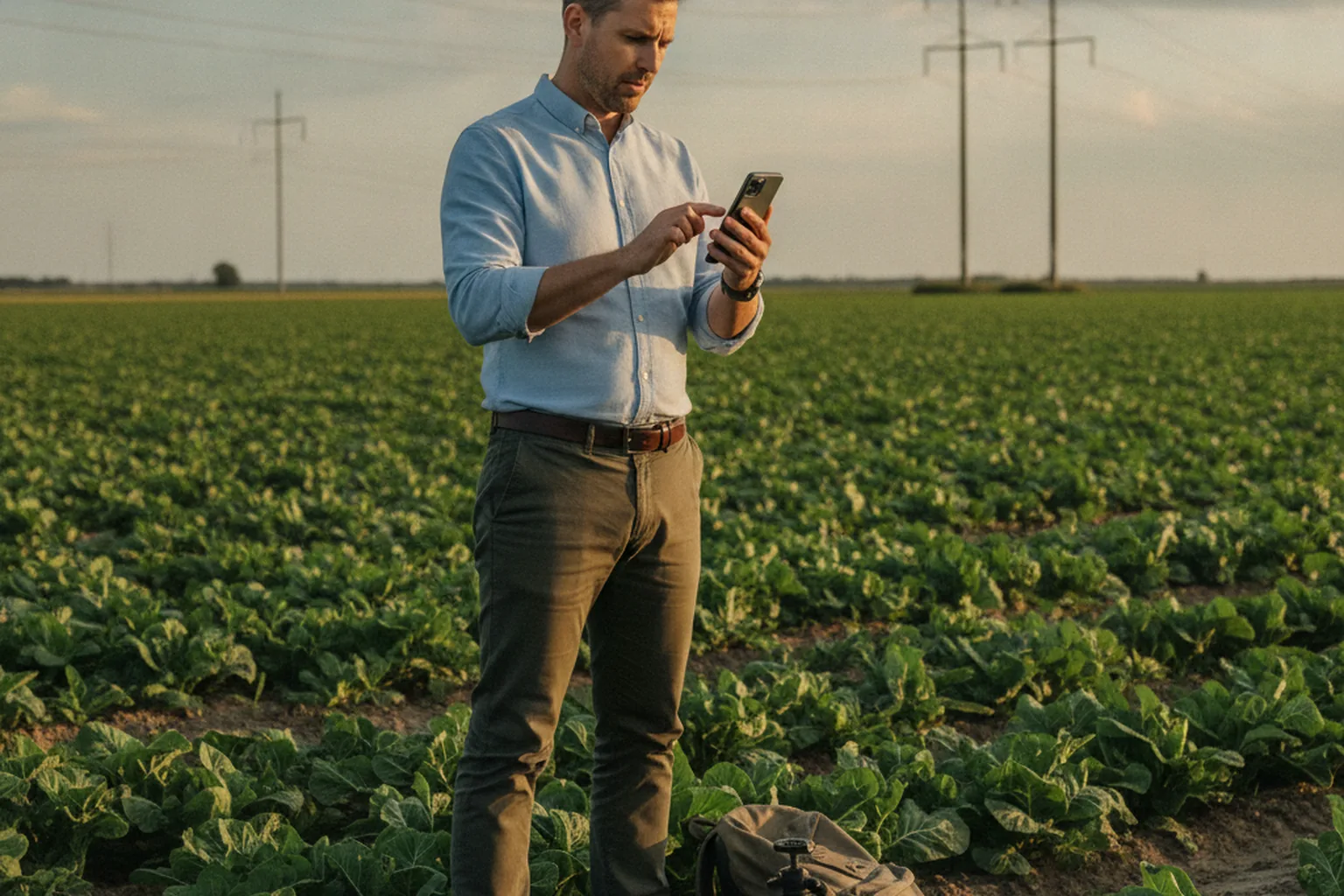
Industry surveys of field technicians consistently find Android and Chrome-based devices in roughly 48% of hands, versus about 9% for iPhone and 43% for Microsoft devices. If your firm or nonprofit is about to scope a field app for case workers, program staff, or donor-facing reps, that split is the first decision to make, before a single feature makes it onto a wireframe. Pick the platform your staff actually carry, then build the feature list around it.
Why the Platform Decision Comes Before the Feature List
Most firms and nonprofits start an app project backwards. Someone drafts a feature list, a leadership team reviews it, a vendor quotes it, and only then does anyone ask which phones the field staff will be using. For an internal tool used at a desk, that order barely matters. For a field app, it's the wrong order entirely.
The platform decision shapes everything that follows: which components are cheap to build and which require custom work, how much offline logic you need, what a realistic budget looks like, and which vendors are even a good fit. Reversing the order, features first, platform second, is how projects end up with a beautifully designed app that half the field staff can't run well on the devices they were actually issued.
Why Field Staff Skew Android
Field roles are different from office roles. Case workers, program and outreach staff, and donor-facing field reps are often issued stipend phones, agency-managed devices, or rugged hardware chosen for durability and cost rather than brand preference, and that hardware market leans Android. Android also dominates the budget and mid-range device tiers that organizations buy in bulk, which is exactly the purchasing pattern most firms and nonprofits use for field fleets.
This is also where the platform decision turns into a build decision. If you're scoping Android app development for the devices your case workers and outreach staff already carry, you're designing for the hardware that will actually be in the field, not for a demo device in a conference room. That single choice changes your component library, your testing plan, and your realistic timeline before a single screen gets designed.
None of this means iOS never belongs in the mix. Firm leadership, donors, or board-facing dashboards may skew iPhone. The point isn't to ban iOS; it's to build and test against the platform your field staff will actually use first, and treat everything else as secondary.
What "Android-First" Means for the Build
"Android-first" is a sequencing decision, not a ban on other platforms. In practice, it means:
- Native Android — the most reliable option when the app leans on device features like camera capture, GPS, or barcode scanning in low-connectivity conditions. Costs more upfront, performs best in the field.
- Cross-platform that still ships Android-first — a shared codebase (commonly Flutter or React Native) where Android is the primary build and test target, with iOS following. Reasonable middle ground when a smaller, office-facing audience also needs the app.
- Progressive web app (PWA) — the cheapest and fastest to ship, reasonable for simple forms with good connectivity, but weak for offline capture, camera access, and the kind of reliability field staff need when a shift depends on the app working.
The right choice depends on how much of the work happens offline, how many device features the app needs, and how long the organization expects to be using it. A one-season outreach campaign and a five-year case-management rollout should not make the same choice.
Offline Isn't a Feature — It's the Requirement
Field work does not happen in conference rooms with reliable Wi-Fi. Case workers go into homes with no signal. Outreach staff cover rural routes. Donor reps work events in buildings with dead zones. An app that assumes a live connection will fail in exactly the moments it's needed most: mid-visit, mid-form, mid-shift.
Offline-first design means the app captures and stores data locally, then syncs automatically when a connection reappears, without staff having to think about it or re-enter anything. This is not a feature you bolt on later. It changes how data is structured from the first day of development, which is why offline-first typically adds 25% to 40% to a build's cost and timeline. Treat it as the foundation, not a stretch goal, and budget for it from the start.
What It Actually Costs in 2026
Field app budgets vary widely depending on scope, but 2026 benchmarks fall into three rough tiers:
- Simple custom field app (no offline sync): roughly $20,000–$30,000.
- Mid-complexity, offline-first app (12–20 week build): roughly $45,000–$110,000.
- Full platform with dashboards and back-office integrations: roughly $120,000–$280,000.
On top of any of these, plan for ongoing maintenance at roughly 15% to 20% of the build cost per year. That covers OS updates, device fragmentation fixes, and the inevitable edge cases that only show up once real field staff are using the app under real conditions.
Three Mistakes That Sink Field App Projects for Firms and Nonprofits
The same three mistakes show up again and again in field app projects, regardless of industry or budget.
- Scoping for the office, not the field. Demos happen on a clean desk with full signal and a fully charged phone. Real use happens in a parking lot, a basement, or a rural road with one bar. Test in the conditions staff actually work in, not the conditions that make a good sales pitch.
- Skipping offline from v1. Teams often plan to "add offline later" to hit an earlier launch date. Retrofitting offline sync after launch usually means rebuilding the data layer, which costs more than building it in from the start.
- Picking the platform the vendor is comfortable with, not the one staff carry. Some vendors default to whichever platform their team has the most experience building for. That's a reasonable instinct for the vendor and a bad outcome for you if it doesn't match your actual device fleet.
A Quick Decision Framework
Before you brief a vendor or a dev team, work through these four questions:
- Go Android-first if most of your field staff carry Android or agency-issued Android devices, and the work happens somewhere connectivity is unreliable.
- Stay web or PWA if the app is a simple form, connectivity is generally good, and you don't need camera, GPS, or offline capture.
- Buy off-the-shelf if an existing case-management or field-data tool with a solid Android app already covers most of what you need. Don't build custom to solve a problem a $50-a-seat tool already solves.
- Build custom once you've outgrown buy options, or your workflow is specific enough that off-the-shelf tools force painful workarounds.
FAQ: Android-First Field Apps for Firms and Nonprofits
Does a field app really need to be Android-first, or can it be cross-platform?
It can be cross-platform in theory, but for staff who carry company-issued or stipend devices, build and test against Android first and treat iOS as a secondary target. Framework-level cross-platform tools still ship real bugs on whichever platform gets less testing time, and that platform is usually iOS when your field roster is mostly Android.
How much does a basic field app cost to build in 2026?
A simple custom field app without offline sync typically runs $20,000 to $30,000. Add offline-first data collection and you're closer to $45,000 to $110,000 over 12 to 20 weeks. A full platform with dashboards and back-office integrations can run $120,000 to $280,000, plus 15 to 20 percent of the build cost per year in maintenance.
Do we really need offline mode on day one?
If staff will ever be in a basement, a rural service area, a shelter, or a building with bad cell coverage, yes. Offline-first adds 25 to 40 percent to a build, but retrofitting it after launch is slower and more expensive than building it in from the start, because it changes how data is structured, not just how it's displayed.
Should a nonprofit build custom or buy an off-the-shelf field tool?
Start by testing whether an existing case-management or field-data tool with an Android app covers 80 percent of what you need. Custom development makes sense once you've outgrown a buy option or your workflow is specific enough that no off-the-shelf tool fits it without painful workarounds.
What makes field staff actually use the app instead of reverting to paper or texts?
Speed and reliability in the actual field conditions, not the demo conditions. If the app is slow, requires a signal it doesn't have, or takes more taps than the paper form it replaced, staff will route around it within a week. Test on the devices and in the locations staff actually use, before launch.
How long does an Android-first field app take to build?
A simple, well-scoped field app can launch in 6 to 10 weeks. An offline-first app with real sync logic typically takes 12 to 20 weeks. Full platforms with dashboards and integrations run longer. Any timeline shorter than that for genuine offline capability is a sign the vendor is underscoping the sync work.
The organizations that get field apps right don't start with a feature wish list. They start by asking who will actually be holding the phone, where they'll be standing when they use it, and whether the signal will be there when they need it. Answer those three questions honestly, and the platform, the budget, and the build plan mostly answer themselves.
If you're scoping a field, case-worker, or outreach app and want a second opinion on platform, scope, and budget before you brief a vendor, we're happy to help you think it through. Book a free consultation and let's map out what the right build looks like for your team.
Ready to put this into practice?
Book a free consultation and we will help you turn these ideas into a plan.