Client Portals for Small Firms: Buy Off-the-Shelf Software, or Build Your Own App?
Most "client portal" advice online is really a SaaS vendor's product listicle. This piece is the decision that comes before any of those lists matter: when off-the-shelf portal software is the right call, and when a lean, cross-platform app actually costs less in the long run.
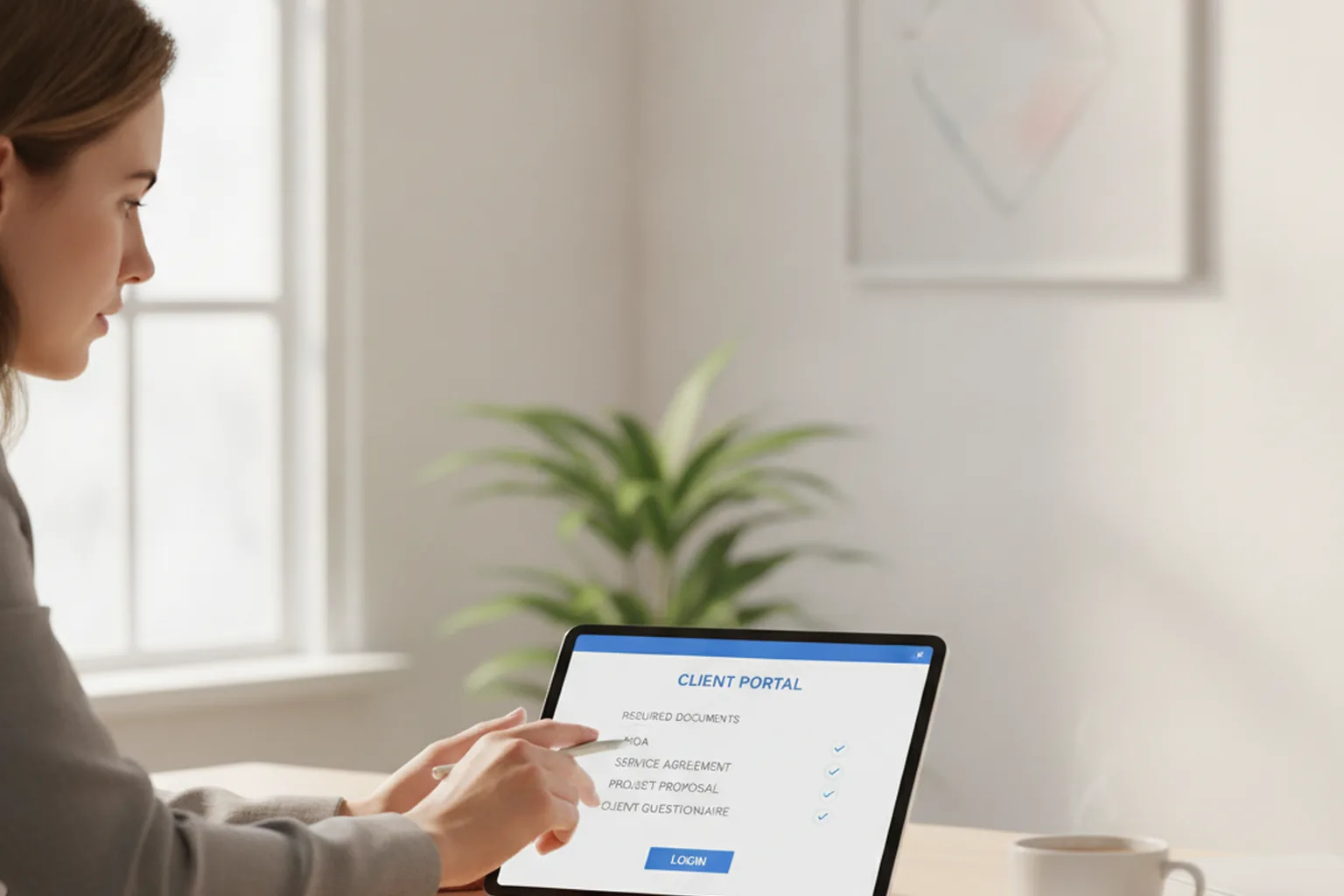
TL;DR: A client portal is a secure, logged-in space for clients or donors to see documents, status, or account details without emailing back and forth. Off-the-shelf SaaS portal software is the right default for generic workflows. Once branding, pricing-at-scale, or an organization-specific process (donor tiers, case types, volunteer hours) stop fitting the tool, building a lean, cross-platform app is usually more affordable than most firms assume.
What Is a Client Portal, and Why Do Small Firms Build One?
A client portal is a secure, logged-in section of your website or a standalone app where a client, customer, or donor can see something specific, a document, an invoice, a case status, a giving history, without emailing your team to ask for it. Small firms build one because the alternative is a slow trickle of "can you send me that again?" messages that eat staff time and make the firm look disorganized. The portal itself is not the goal; the goal is replacing a recurring, manual exchange with something the client can check on their own, whenever they want, without waiting on a reply.
What Building Your Own Portal App Actually Looks Like
Why Cross-Platform (Not Two Native Apps) Is the Realistic Budget
The reason "build your own app" sounds out of reach for a fifteen-person firm is usually an outdated assumption: that building means a separate native app for iOS and a separate native app for Android, doubling the engineering cost and the maintenance burden. That assumption is the actual obstacle, not the budget itself. Working with a Flutter development team that builds one codebase for both app stores closes most of that gap, because the firm is funding one build and one ongoing maintenance line instead of two. That difference is what moves a custom portal app from "we could never afford that" to "that's actually in range" for a firm this size, and it's why build-vs-buy is a real decision for most firms, not a hypothetical one.

What to Scope First (Auth, Document View, One Core Action)
The firms that get a custom portal built on budget scope the first version narrowly: secure login, a document or status view, and exactly one core action, uploading a file, approving a proposal, viewing a giving history. Everything else, messaging, notifications, reporting, waits for version two. A portal that does three things well and ships in a few months beats a portal that tries to do everything and never ships.
Do You Actually Need a Portal, or Just a Better Website?
Before weighing buy against build any further, rule out the cheaper fix. A portal earns its cost only when clients need account-specific data on a recurring basis, not a one-time download. Three quick signs you're past that line: clients ask for the same document or status update more than once a quarter, clients need to log in to see something unique to their account rather than general information anyone could find on your site, and your team currently answers "where's my..." questions by email at least a few times a week. If none of those are true yet, a sharper public website solves the real problem for far less money.
What Off-the-Shelf Client Portal Software Gets Right
Generic portal SaaS tools exist because they solve a real, common problem fast. For a firm whose client workflow looks like most other firms in its category, document sharing, status updates, basic messaging, an off-the-shelf tool gets you live in days instead of months, usually with built-in integrations to the CRM or invoicing system you already use. There's no development team to manage and no app-store review process to clear. For a firm just past the "we need a portal" threshold, this is almost always the right first move, and there's no reason to feel behind for starting here.
Where Off-the-Shelf Tools Start to Break Down
The cracks show up in three places. First, branding: most SaaS portals put their own product chrome around your content, and white-label options, when they exist, are usually a higher-tier add-on. Second, pricing at scale: per-seat fees that looked reasonable at ten client logins start to sting at two hundred. Third, and most often overlooked, workflow fit: a nonprofit tracking donor tiers and volunteer hours, or a firm with case types that don't map to the tool's generic "project" object, ends up bending its process to match the software instead of the other way around. None of these are dealbreakers on day one. They're the signals that tell you the "buy" side of this decision has reached its ceiling.
A Simple Decision Checklist: Buy, or Build?
Work through this list in order. The first "yes" you hit is usually your answer.
- Buy if your workflow is generic (documents, status, basic messaging) and you need to launch in days, not months.
- Buy if per-seat pricing at your current client count is still comfortably inside budget.
- Build if branding and client experience need to be fully your own, with no vendor chrome visible.
- Build if your organization's workflow (donor tiers, case types, membership levels) doesn't map cleanly to any generic SaaS object model.
- Build if per-seat SaaS pricing is projected to outgrow a one-time custom build within two to three years.
Client Onboarding Checklist for Whichever You Choose
The software decision is only half the job. However you build or buy the portal, the onboarding experience still has to sound like your firm, not generic software copy. Before launch, confirm:
- Welcome messaging and in-app copy are written in your firm's voice, not the vendor's or developer's default text.
- Clients get a short, plain-language walkthrough of what the portal does and doesn't replace (it's not a substitute for a phone call when something's urgent).
- Security basics are visible to the client: how their data is protected, who can see it, and how to reset access.
- There's a named person on your team who owns portal questions, not a shared inbox that goes unanswered.
- You've set a review date, 90 days post-launch, to check whether clients are actually using it the way you expected.
Frequently Asked Questions
Is a client portal the same as a customer portal?
Functionally, yes. Both describe a secure, logged-in space where an external party, a client, customer, patient, or donor, views documents, status, or account details without emailing your team. Firms tend to say "client portal," SaaS vendors tend to say "customer portal," but the job is identical.
How much does a custom client portal app cost compared to SaaS portal software?
Off-the-shelf portal software usually runs a monthly per-seat or per-user fee, often a few hundred dollars a month to start. A custom cross-platform app with a narrow, well-scoped feature set typically costs more upfront, often five figures, but has no per-seat ceiling and no vendor lock-in. Treat any number before a scoping conversation as a placeholder.
Can a nonprofit use a client-portal approach for donors and volunteers?
Yes, and it is often a better fit than for a typical professional service firm. Donor tiers, volunteer hour tracking, and event sign-ups are exactly the kind of organization-specific logic that generic SaaS portals model poorly, which makes a lean custom build a reasonable option once the nonprofit outgrows a spreadsheet and email.
Do we need separate iOS and Android apps, or is cross-platform enough?
For the large majority of small-firm portal apps, cross-platform is enough. A cross-platform framework builds one codebase that ships to both app stores, which covers login, document views, and status checks without the cost of maintaining two separate native apps. Reserve native development for cases that need deep, platform-specific device integration.
How long does a basic custom portal app take to build?
A narrowly scoped first version, covering login, a document or status view, and one core action, typically takes a small team several weeks to a few months, depending on how much it needs to integrate with existing systems. Scope creep, not the framework, is what stretches that timeline.
What security features does a client portal need at minimum?
At minimum: encrypted connections (HTTPS/TLS), authenticated logins with a password policy or multi-factor option, role-based access so clients only see their own data, and an audit trail of who accessed what and when. Whether you buy or build, do not skip these to save time.
The Bottom Line
Start with off-the-shelf portal software if your workflow is generic, you need to launch fast, and per-seat pricing still pencils out at your size. Move toward a custom build once branding, workflow fit, or pricing at scale start working against you, and when you do, a cross-platform app is almost always the realistic path, not two native builds. Whichever side you land on, the portal still needs to read like your firm, not like a template. That's where we can help: a portal with the right content, tone, and onboarding experience behind it earns the trust a bare login screen never will. Book a free consultation and let's work out which side of this decision fits your firm.
Not sure if a portal fits your clients yet?
Book a free consultation and we will help you figure out whether to buy, build, or wait.