Should Your Nonprofit Buy or Build an iPad Check-In App?
Off-the-shelf check-in apps handle most galas and fundraisers just fine. Here's how to tell when your event has outgrown them, and what building your own actually involves.

TL;DR: Off-the-shelf iPad check-in apps are fast, cheap, and fine for a single annual gala. They start to break down with deep CRM integration, multi-day conference logic, or a brand-matched experience. This piece walks through the workflow test, the real cost of building custom, and a checklist to decide which side you're on.
Walk into almost any nonprofit gala this year and you'll find the same setup at the door: a volunteer behind a table, an iPad propped on a stand, and a line of guests tapping in with a QR code instead of hunting through a printed list. That shift happened fast, and for good reason. An iPad running a dedicated check-in app scans a badge in under three seconds, works without a steady internet connection, and turns a stressful first ten minutes of an event into something closer to boring, which is exactly what you want at the door.
For most nonprofits, an off-the-shelf check-in app is the right call, and this piece gives that option full credit before it gets to the harder question. But a growing number of organizations run into a specific wall: the tool handles check-in fine, but it can't talk to the donor database the way the development team needs, or it can't handle a three-day conference with session-level attendance, or the sponsor contract requires a check-in screen that carries no other brand's logo. That's the point where a conversation with an iOS development team stops being overkill and starts being the more honest answer than forcing a generic tool to do something it wasn't built for.
What an iPad Check-In App Actually Needs to Do at a Nonprofit Event
Strip away the marketing copy and every nonprofit check-in app, bought or built, has to clear the same bar. Guests need to scan in or get looked up by name in a few seconds, not a few minutes, because a slow line at the door sours the whole evening before the program even starts. The app needs a kiosk mode that locks the iPad to the check-in screen alone, so a curious guest (or a volunteer's toddler) can't accidentally back out into Safari or someone's email. It needs to keep working when the venue's wifi inevitably struggles under a ballroom full of phones, queuing scans locally and syncing them once a signal returns. And as a rough planning number, budget one check-in station per 50 to 75 guests if you want the line moving rather than backing up toward the coat check.
Where Off-the-Shelf Check-In Tools Work Well
Give the generic tools their due. For a single annual gala or a straightforward fundraiser, an off-the-shelf check-in app gets you live in a day, not a quarter. There's no developer to brief, no app-store review to wait on, and most of these tools already connect to the handful of nonprofit CRMs and donation platforms that cover the bulk of the market. If your event is one check-in moment, one guest list, and one straightforward "they're here" status, buying is very likely the right move, and there's no reason to feel like you're settling by choosing it.
Where Off-the-Shelf Tools Start to Break Down
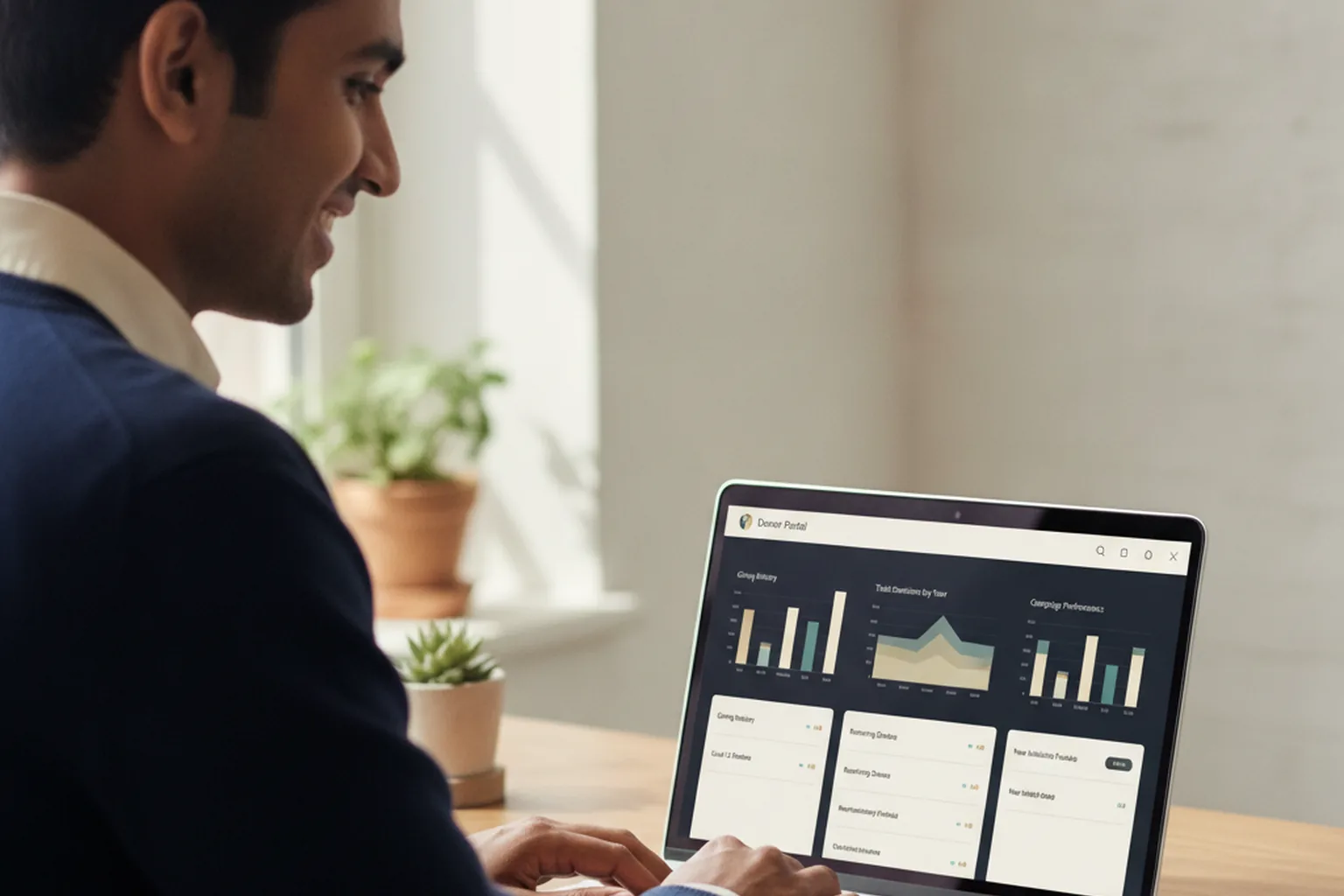
The cracks tend to show up in four specific places. First, CRM depth: a tool that connects cleanly to the three or four most common nonprofit CRMs may offer nothing but a CSV export for a legacy or custom donor database, which turns "real-time sync" into a manual chore. Second, multi-day logic: a conference that needs to know who attended Tuesday's keynote versus Wednesday's breakout sessions often runs into a tool built for a single arrival event, not session-level tracking. Third, brand fit: sponsors who paid for visibility don't love watching guests check in under a different company's logo on the check-in screen. Fourth, data ownership: some platforms make it genuinely hard to export your own check-in history in a usable format later. None of these are dealbreakers on day one of using a tool, but each one is a signal that you've reached the edge of what buying can do for you.
The Workflow Test: Does Your Event Actually Need Something Custom?
Before you weigh buy against build any further, be honest about which kind of event you're actually running, because the answer changes everything.
- Gala or fundraiser: one night, one guest list, one check-in moment. Off-the-shelf almost always wins here.
- Multi-day conference: session-level attendance, multiple tracks, badge printing on site. This is where generic tools strain hardest.
- Recurring service-delivery check-in: a food bank or shelter logging the same visitors week after week against eligibility rules. Needs tighter integration with case-management data than a generic event tool is built for.
- Community or volunteer event: looser structure, often no pre-registration at all. Usually the simplest case, and rarely worth a custom build on its own.
If you landed on gala or community event, stop here and buy. If you landed on multi-day conference or recurring service delivery, keep reading.
What Building a Custom Check-In App Actually Costs and Takes
A narrowly scoped custom build, covering fast scanning, kiosk mode, offline queuing, and one real CRM connection, typically falls in the low-to-mid five figures and takes a small team in the range of six to ten weeks, depending heavily on how deep that CRM integration needs to go. That is a typical range, not a quote, and any number offered before a real scoping conversation should be treated as a placeholder. What holds steady across projects is the shape of the tradeoff: a custom build costs more upfront than a SaaS subscription, but it has no per-seat fee, no vendor's logo on your screen, and it works exactly the way your donor database and your event actually run, instead of the other way around.
A Simple Buy-or-Build Checklist Before Your Next Event
Answer these honestly. More than one "no" is a strong signal you're still in buy territory.
- Does our event fit in a single day with one straightforward check-in moment? If yes, lean buy.
- Does an off-the-shelf tool already connect to our specific donor CRM, by name, not "CRM integrations available"? If no, that's a build signal.
- Do we need to track attendance across multiple sessions or multiple days, not just a single arrival? If yes, that's a build signal.
- Does a sponsor or board requirement mean the check-in screen can't show another company's branding? If yes, that's a build signal.
- Have we actually priced out the per-seat SaaS cost against our expected check-in volume for the next two to three years? If building looks close on cost once you do, it's worth a real conversation.
Common Mistakes Nonprofits Make With Event Check-In
The same handful of mistakes show up year after year, regardless of which tool a nonprofit chooses. Skipping a backup plan for when wifi drops is the most common, followed closely by never running a dry run with actual volunteers before doors open, so the first real test of the system happens in front of guests. Check-in data that never makes it back into the donor CRM is another quiet one: the event looked smooth, but the development team spent the following week re-keying names by hand. And more than a few organizations buy an enterprise-tier check-in platform, complete with features they'll never touch, for a 150-person dinner that a basic tier would have handled just as well.
Frequently Asked Questions
What is an iPad check-in app, and do I need one for a small event?
An iPad check-in app runs on a tablet at your registration table, scans a guest's QR code or looks up their name, and logs their arrival instantly. For a small event under about 75 guests, a simple spreadsheet or a free check-in tier is usually enough. Once you're running multiple check-in stations or need the data to feed anything else, a dedicated app starts earning its keep.
Can I use a regular check-in app for a multi-day conference?
Many consumer-grade check-in apps only track a single arrival event, not session-by-session attendance across multiple days. If your conference needs to know who attended which session, not just who walked in the door, confirm that limitation before you buy, because it is one of the most common places off-the-shelf tools fall short.
Does check-in data sync automatically with our donor CRM?
It depends entirely on the tool and your CRM. Popular check-in apps connect well to a handful of major nonprofit CRMs through built-in integrations, but anything outside that short list usually means a manual export and import, or no connection at all. Ask for the specific integration by name before you commit.
What happens if the venue wifi goes down during check-in?
A good check-in app keeps working offline, queuing scans locally and syncing them once a connection returns. Not every tool does this well, so confirm offline behavior specifically and run a test check-in with wifi disabled before the actual event, not during it.
How much does a custom-built check-in app typically cost?
A narrowly scoped custom iOS check-in app, covering scanning, a single CRM connection, and kiosk mode, typically runs into the low-to-mid five figures and takes a small team a couple of months, though scope and integration depth move that range considerably. Treat any number before a real scoping conversation as a placeholder.
Is Apple Pay / Tap to Pay donation collection possible at check-in?
Yes. Tap to Pay on iPhone and iPad lets a guest tap a contactless card or phone directly against the device to give on the spot, no separate card reader required. This is one of the reasons the iPad, specifically, has become the default hardware for nonprofit event check-in rather than a generic tablet.
When does it make sense to build instead of buy?
Building usually makes sense once an off-the-shelf tool can't reach your donor database the way you need, can't handle multi-day or session-level check-in logic, or has to look and feel like a bolted-on vendor product instead of your own brand. If none of those apply yet, buying remains the lower-risk, faster path.
Getting the Decision Right Before Your Next Event
Most nonprofits should buy, and that's not a consolation prize, it's the right call for a single gala or a community event with a straightforward guest list. The decision tips toward building once your event's actual workflow, not your wish list, demands something a generic tool was never designed to do: deep CRM integration, session-level tracking across multiple days, or a check-in screen that carries only your own brand. Getting that call right before you sign a contract or brief a developer saves a budget conversation nobody wants to have a month before doors open. Book a free consultation and we will help you figure out which side of that line your next event is actually on.
Planning check-in for your next event?
Book a free consultation and we will help you figure out whether to buy, build, or wait.