Why Your Firm's Front Desk Needs a Branded Android App, Not a Generic Kiosk
A reception tablet is the first physical thing most clients touch. If it runs someone else's logo and someone else's colors, it's quietly undoing the brand work you already paid for.
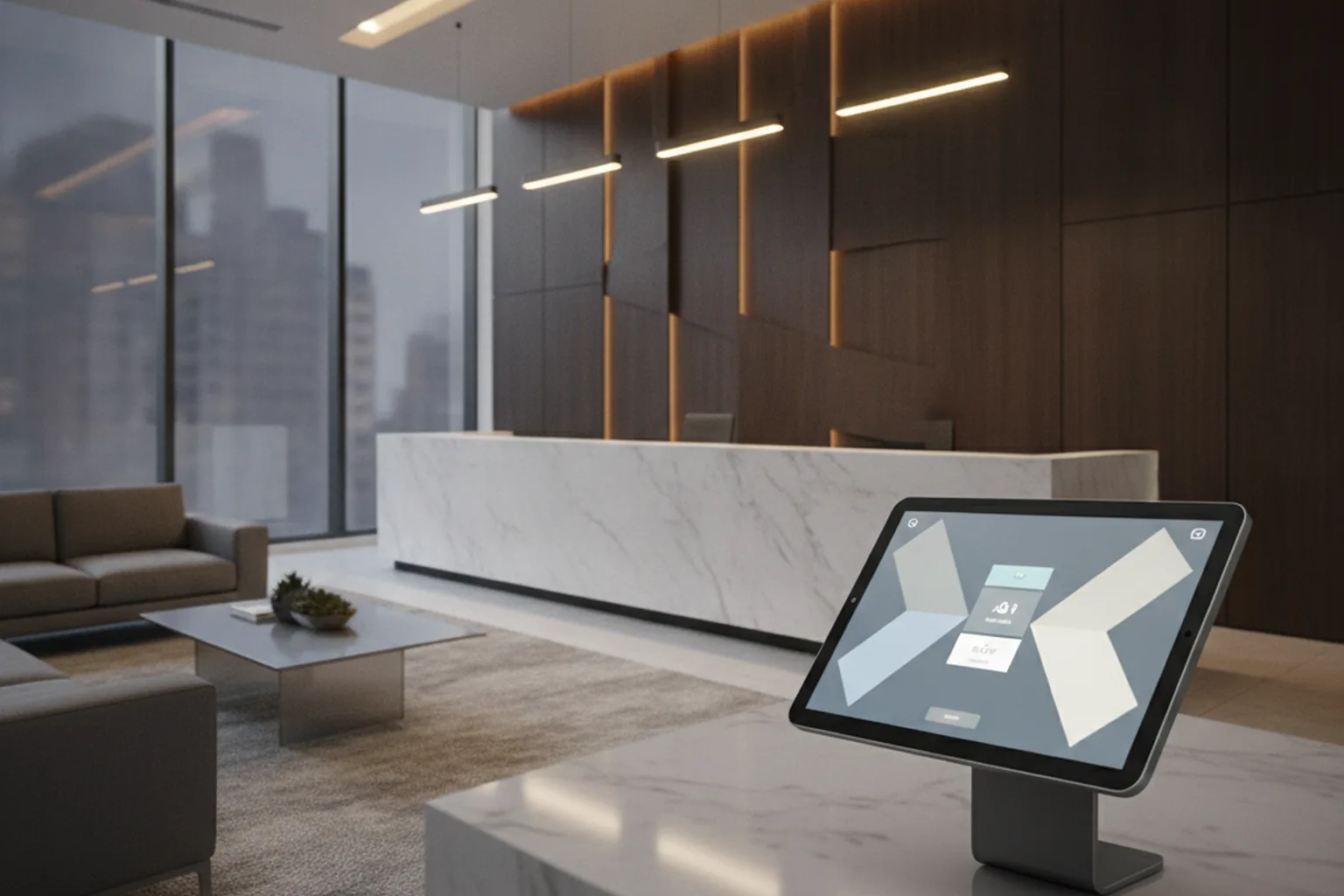
Firms spend real money on brand guidelines, a redesigned website, and a consistent visual identity, then hand clients a lobby check-in tablet running stock software with a stranger's logo on it. A branded Android app usually costs less than people assume, and it closes a gap most firms never think to look for. If your reception area still runs generic kiosk software, the tablet at your front desk is undercutting every other brand decision you've made.
Your Reception Tablet Is Already Part of Your Brand
Think about the sequence a new client actually experiences. They find your firm through a search result or a referral, land on a website your team spent months getting right, maybe read a case study, book a consultation, and then walk into your lobby. The first physical object they touch is a tablet on a stand at the front desk. Whatever software runs on that screen, its colors, its fonts, its tone, is the last impression before they sit down in front of a partner or a program director.
Most firms never audit that screen as a brand touchpoint, because it arrived bundled with a visitor-management subscription someone on the ops team picked for convenience. That's a reasonable way to end up with check-in software. It's not a reasonable way to end up with a lobby experience that matches the rest of your identity. If a law firm, consulting practice, or nonprofit is weighing whether to fix that gap with a purpose-built screen, that's generally a question of Kotlin app development for a single-purpose Android device, not a full product build, which is why the cost surprises people in the right direction.
Once you start looking at the front desk this way, the fix is narrow and inexpensive compared to a rebrand or a site redesign. The tablet just needs to stop being the one touchpoint nobody budgeted for.
What Generic Check-In Software Quietly Costs You
Someone else's logo in your lobby
Most off-the-shelf check-in platforms put their own name and mark somewhere on the welcome screen, even on paid tiers. A client waiting to be greeted has nothing to look at but that screen, and what they see is a vendor's brand, not yours, sitting in the middle of a space you otherwise control completely.
Fonts, colors, and tone that don't match your website
Generic platforms offer a logo upload and maybe an accent color. They don't offer your actual typeface, your spacing, or the tone of voice your copywriter worked out for every other client-facing surface. The result reads as "almost us," which is a worse signal than looking neutral, because it's close enough to notice the mismatch.
Data you can't fully own or export
Visitor and intake data collected through a third-party kiosk app lives in that vendor's system first. Exporting it into your CRM or case-management tool is often a manual step, or not fully possible at all, depending on the platform's export options. A purpose-built app can write that data directly where your staff already work.
Why Android, Specifically, for a Front-Desk Build
Once a firm decides the lobby screen is worth fixing, the platform question has a fairly clear answer. Commercial-grade Android tablets built for kiosk and signage use cost meaningfully less per unit than an equivalent iPad, which matters when you're buying one or two dedicated devices that will sit on a stand all day, every day, doing nothing but running a single screen.
Android also makes the lockdown step simpler. Its native kiosk mode, screen pinning, lets an administrator pin the device to one app so a visitor can't back out to the home screen, open a browser, or poke around settings. According to Google's Android Enterprise documentation, this dedicated-device, or "lock task," mode is built specifically for exactly this use case: a single-purpose, publicly accessible device that should never leave one app. Apple's comparable feature, Guided Access, works but requires more manual configuration per device and isn't designed with fleet management in mind the way Android's enterprise tooling is.
What a Branded Front-Desk App Should Actually Do
Intake form in your own visual language
The welcome screen, form fields, buttons, and confirmation message should use your actual brand colors, your actual typeface, and copy that sounds like the rest of your site. This is the baseline fix, and it's the one most firms skip because nobody connects the lobby tablet to the brand guidelines sitting in a shared drive.
Routing: who gets notified, how fast
A good front-desk app routes a check-in to the right person or department in seconds, not through a shared inbox someone checks every twenty minutes. For a law firm, that might mean routing by matter type or practice group. For a nonprofit, it might mean flagging a donor visit differently than a walk-in client intake.
A record that feeds your CRM, not a vendor's dashboard
Every check-in should land as a record in the system your staff already use, whether that's a CRM, a case-management platform, or a donor database, rather than a separate login nobody remembers to check.
Do You Need a Custom App, or Just Custom Branding on an Existing Platform?
This is the decision most firms skip straight past. Two honest paths exist, and picking between them comes down to how specific your workflow actually is.
- White-label an existing platform if your intake is simple: one form, one notification path, no confidential visitor categories to separate. Most check-in SaaS products support logo and color customization on a paid tier, and that alone fixes the worst of the brand mismatch for a fraction of a custom build's cost.
- Build a purpose-built app once your workflow has real branching logic: a law firm that needs to separate opposing-party visitors from clients, a consulting firm routing by department, or a nonprofit distinguishing donor tiers at check-in. Off-the-shelf platforms handle the generic case well and the specific case poorly.
What a Branded Check-In App Costs in 2026
Front-desk builds are smaller and simpler than a full field or client-facing app, and the 2026 ranges reflect that:
- Branded skin on an existing platform: often a one-time setup fee in the low thousands plus the platform's existing monthly subscription. Fastest option, live in days.
- Lightweight custom Android app, single device, basic routing: roughly $12,000–$25,000, four to eight weeks.
- Fuller intake system with CRM or case-management integration: roughly $30,000–$60,000, ten to fourteen weeks.
These numbers sit well below what a field or case-worker app typically costs, because a front-desk build is single-device, single-location, and doesn't need offline sync or GPS. It's a scoped, contained project, not a platform.
Where This Fits in Your Brand and Digital Presence
Brand consistency doesn't stop at the homepage. It extends into every surface a client or donor actually encounters during a real visit, and for most firms the lobby tablet is the single most overlooked one. Treating it as a brand touchpoint, not just a software purchase, closes the gap between the identity your firm invested in and the identity a client actually experiences walking through the door.
If your firm's reception area is still running generic check-in software and you want a second opinion on whether a branded skin or a custom build is the right scope, we're happy to help you think it through. Book a free consultation and let's map out what fits your lobby, your budget, and your brand.
Frequently Asked Questions
Does a reception tablet really need a custom app, or is custom branding on an existing platform enough?
For most firms, white-labeling an existing check-in platform with your own logo, colors, and fonts is enough. Move to a custom build only when your workflow needs something the platform can't do, like multi-department routing, confidential visitor categories for a law firm, or donor-tier recognition for a nonprofit.
Why Android instead of iPad for a front-desk device?
Android tablets built for commercial kiosk use cost less per unit than iPads, and Android's native kiosk mode (screen pinning) locks a device to a single app more simply than Apple's equivalent, Guided Access. For a device that will only ever run one check-in screen, that combination usually wins on cost and setup time.
How much does a branded check-in app cost to build in 2026?
A branded skin on an existing check-in SaaS platform is the cheapest route, often a one-time setup fee plus a monthly subscription. A lightweight custom Android app for a single front-desk device typically runs in the low five figures. A fuller intake system tied into a CRM or case-management tool costs more and takes longer, closer to what a mid-complexity internal app runs.
How long does a simple branded front-desk app take to build?
A single-device, single-purpose check-in app with a basic intake form and a notification trigger can usually launch in four to eight weeks. Add CRM integration or multi-department routing and the timeline stretches closer to ten to twelve weeks.
Can a branded check-in app integrate with our existing CRM or case-management system?
Yes, and for most firms this is the point of building custom rather than buying generic software. A purpose-built app can write directly to your CRM or case-management system through an API, so a visitor's check-in becomes a record in the system your staff already uses instead of a separate export someone has to reconcile by hand.
What's the risk of just leaving the generic check-in software as-is?
No single visit breaks because of it, but the cumulative effect is a lobby experience that quietly contradicts the rest of your brand work. Every client who checks in on an unbranded screen gets a small, repeated reminder that the firm's visual identity stops at the website. It also means visitor data lives in a vendor's dashboard instead of a system you control.
Does this make sense for a nonprofit with a small front-desk volume, or only larger firms?
It scales down fine. A nonprofit with modest walk-in or donor visit volume is usually a better fit for a branded skin on an existing platform rather than a custom build, since the cost of a purpose-built app is harder to justify at low volume. The branding principle, that the first physical touchpoint should match the organization's visual identity, applies regardless of size.
Ready to put this into practice?
Book a free consultation and we will help you turn these ideas into a plan.